How can I delete an email log for a matter in the matter module?
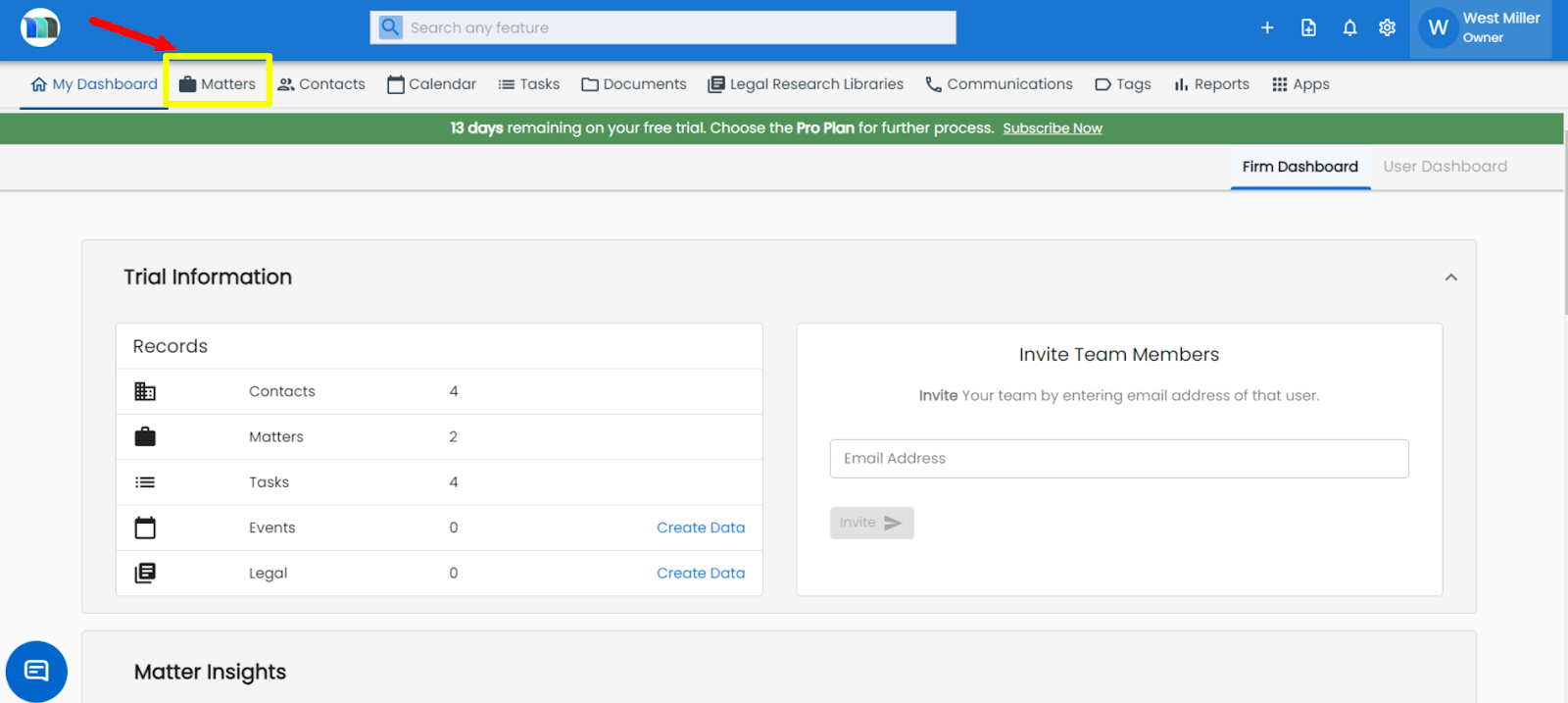
1. Click on the Matters tab present on the nap bar.
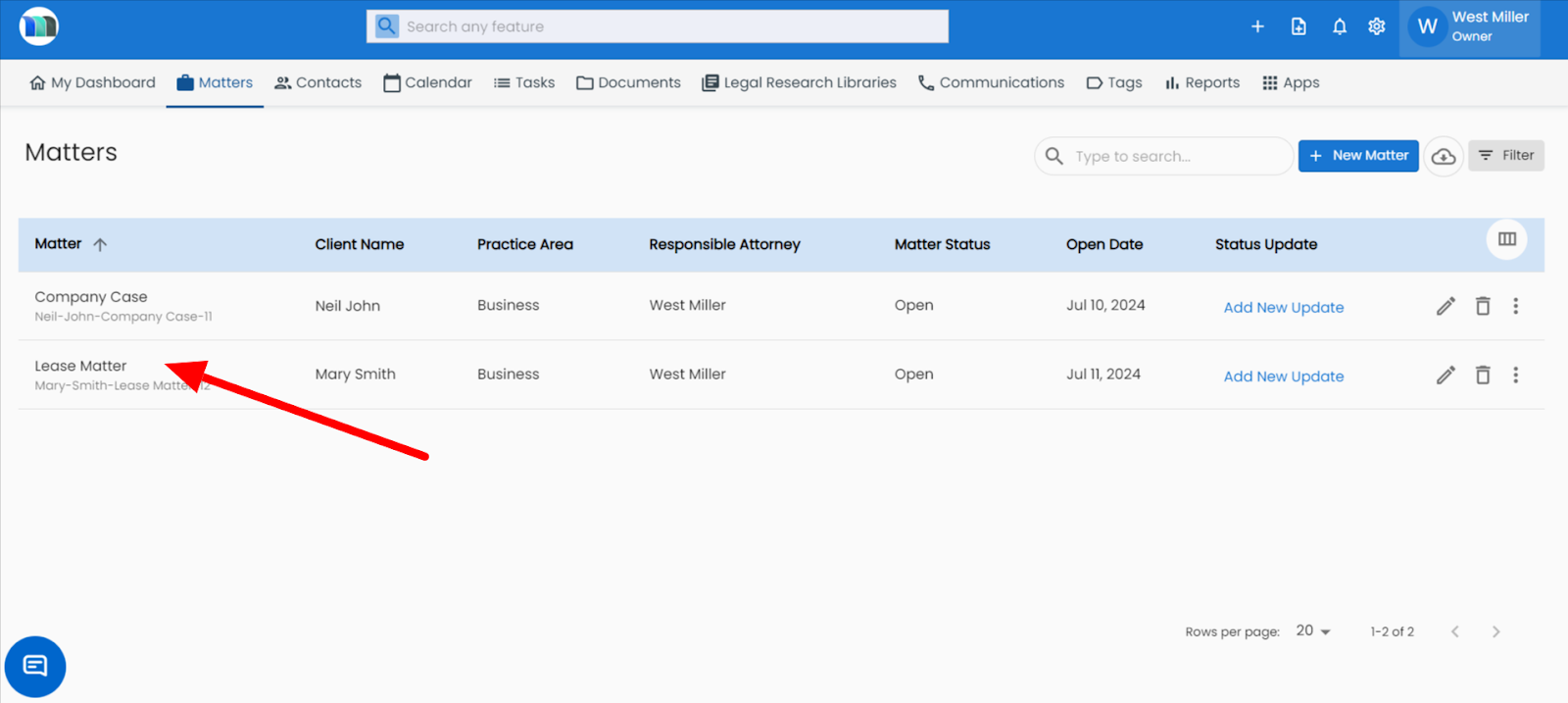
2. Select the matter for which you want to delete the email log.
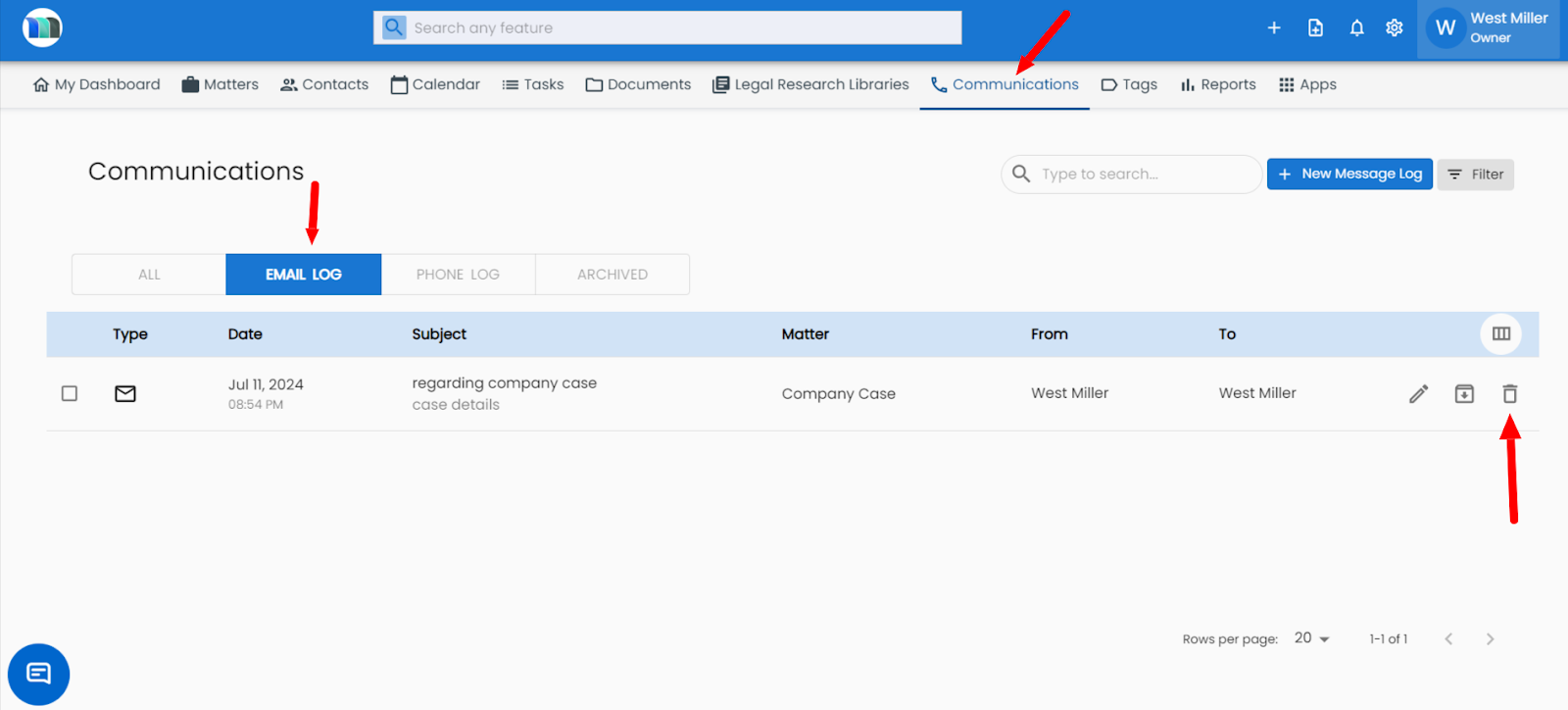
3. Click on the Email Log tab under Communications and click on the delete icon of the email log you wish to delete.
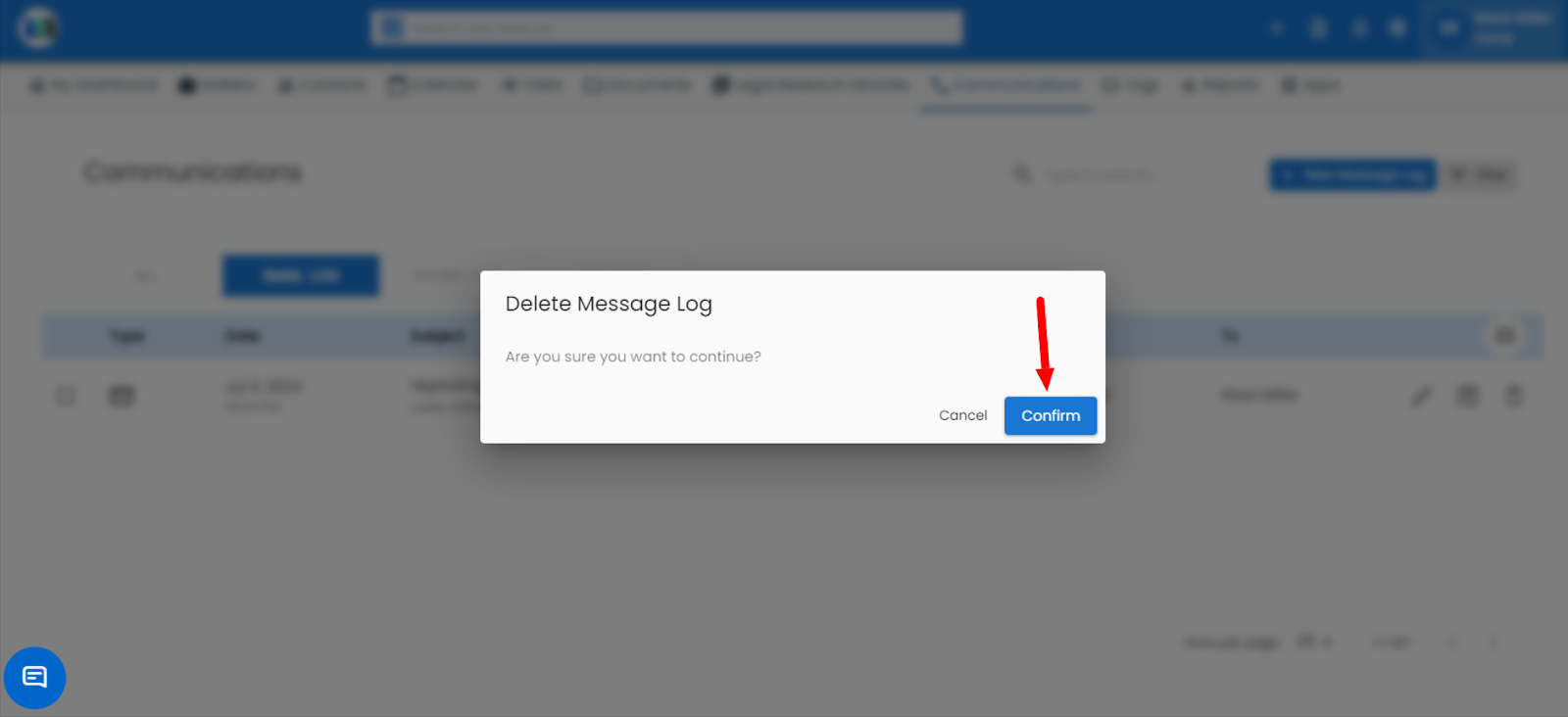
4. Click on the Confirm button.
Related Articles
How can I delete an email log for a matter?
1. Click on the Matters tab present on the nap bar. 2. Select the Matters for which you want to delete an email log. 3. Click on the Communications tab and then click on the Delete button under the email log. 4. Click on Confirm.How can I add the email log for a matter?
1. Click on the Matters tab present on the nap bar. 2. Click on the Matter you want to add to the email log under contact. 3. Click on the + New Message Log button under the communication tab. 4. A new window will open, select the Email tab, enter ...How to delete an email log for a contact?
1 - Go to the Contact tab. 2 - Now go to the contact from where you want to delete the email log and click on the phone option. 3 - A window will open, go on the communication tab and then click on the email logs below. Click on the delete icon.How do I link a task to a matter or client?
Open the Tasks module. Click Add Task or open an existing task for editing. In the task creation window, fill in the task details (title, description, priority, due date, etc.). Find the field labeled Link to Matter (or Linked Matter/Client). Click ...How to Enable the Client Portal
Go to the Matter and click on any specific client in your system. Enable the Client Portal Access option. The client will receive an email invitation to log in.