How can I search/filter for a particular task under Matter?
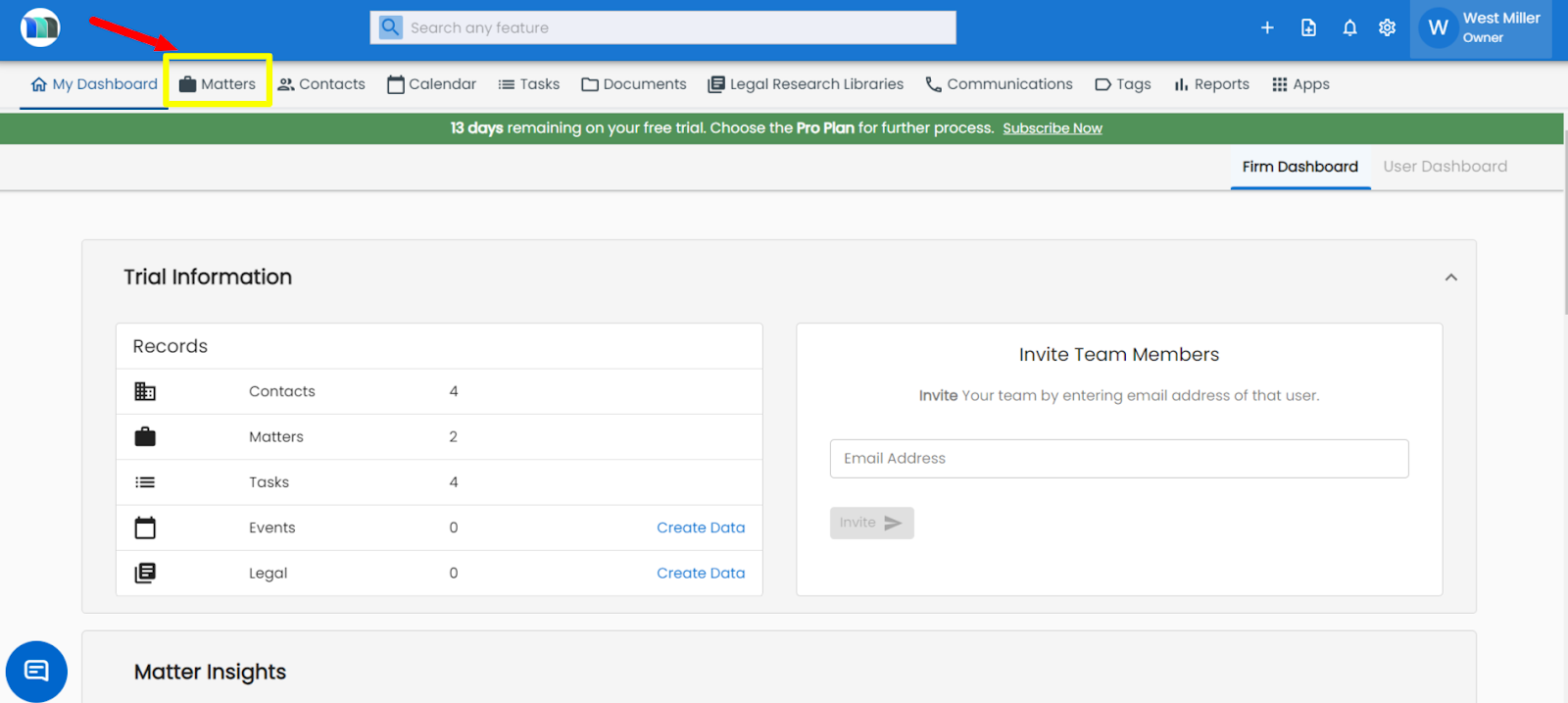
1. Click on the Matters tab present on the nap bar.
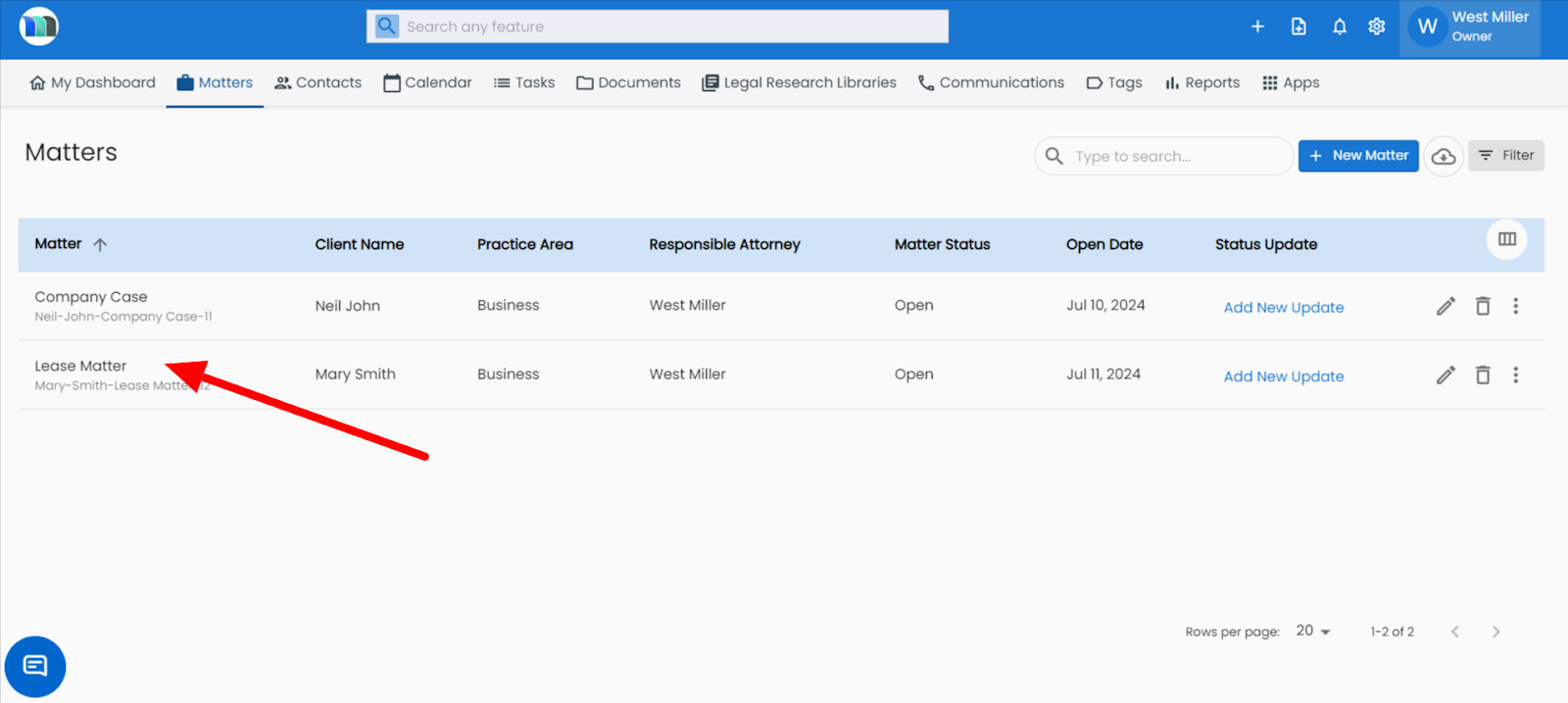
2. Click on the matter in which you want to search/filter for a particular task.
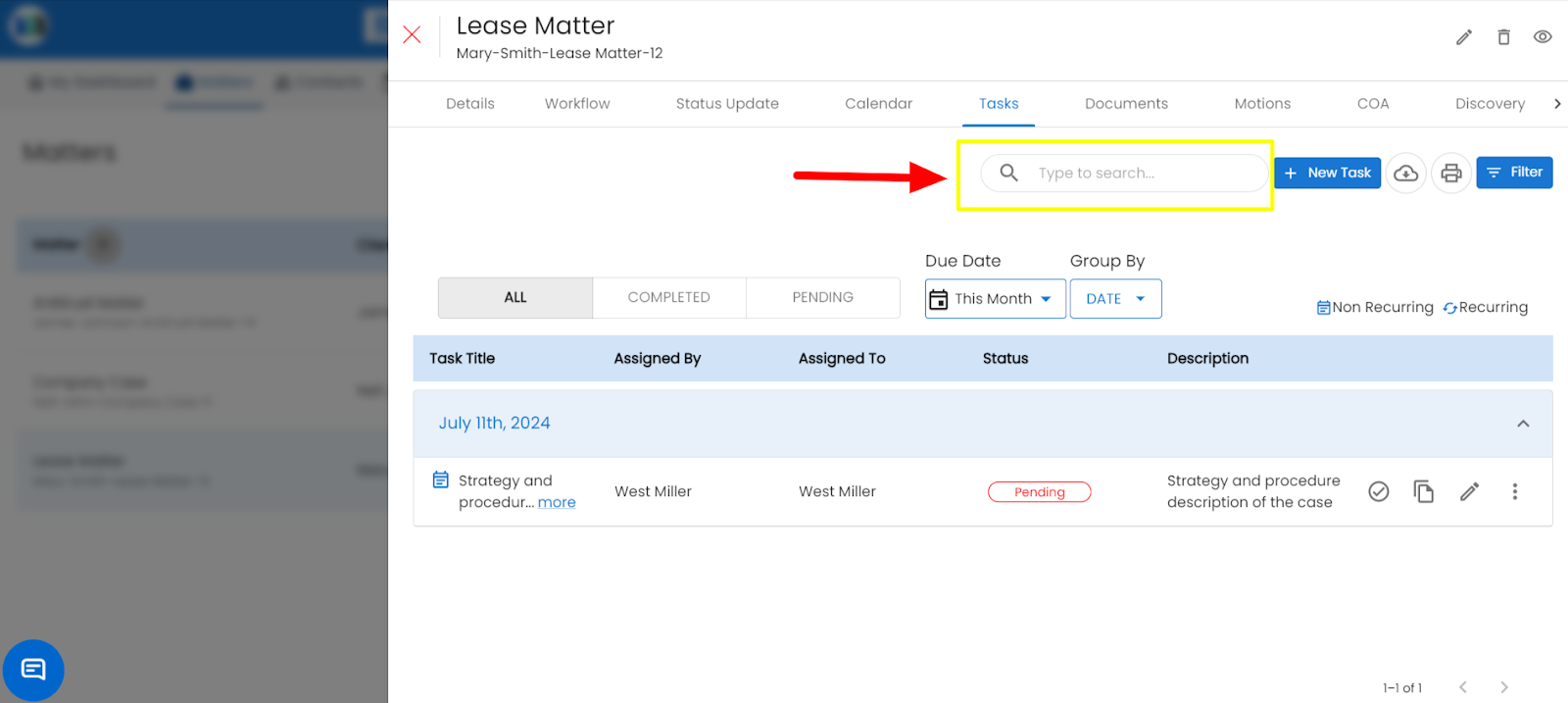
3. For searching a task: Click on a Type to search textbox for searching a task.
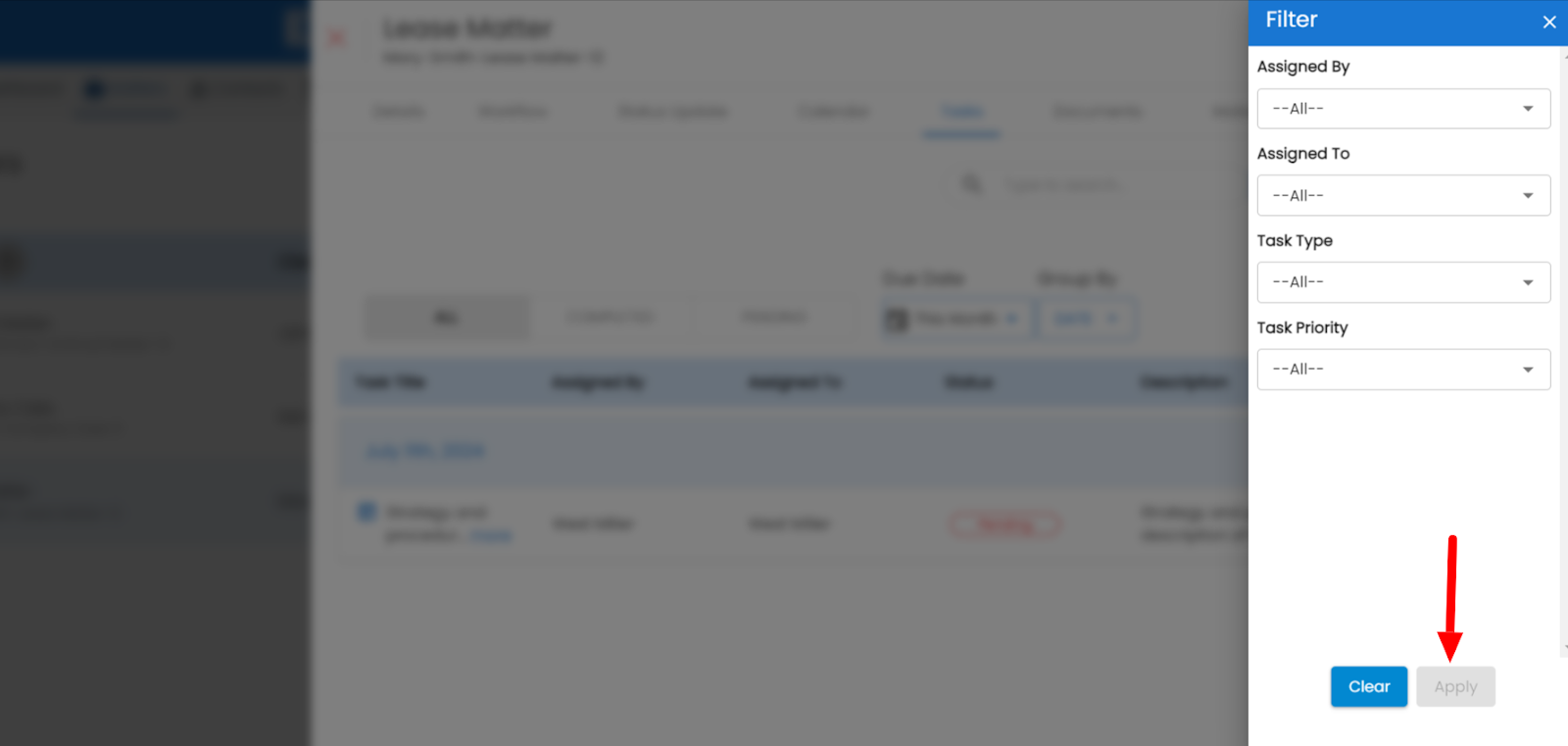
For filtering a task: Click on a Filter button to filter tasks on the basis of assigned by, to, title, type, status, and priority.
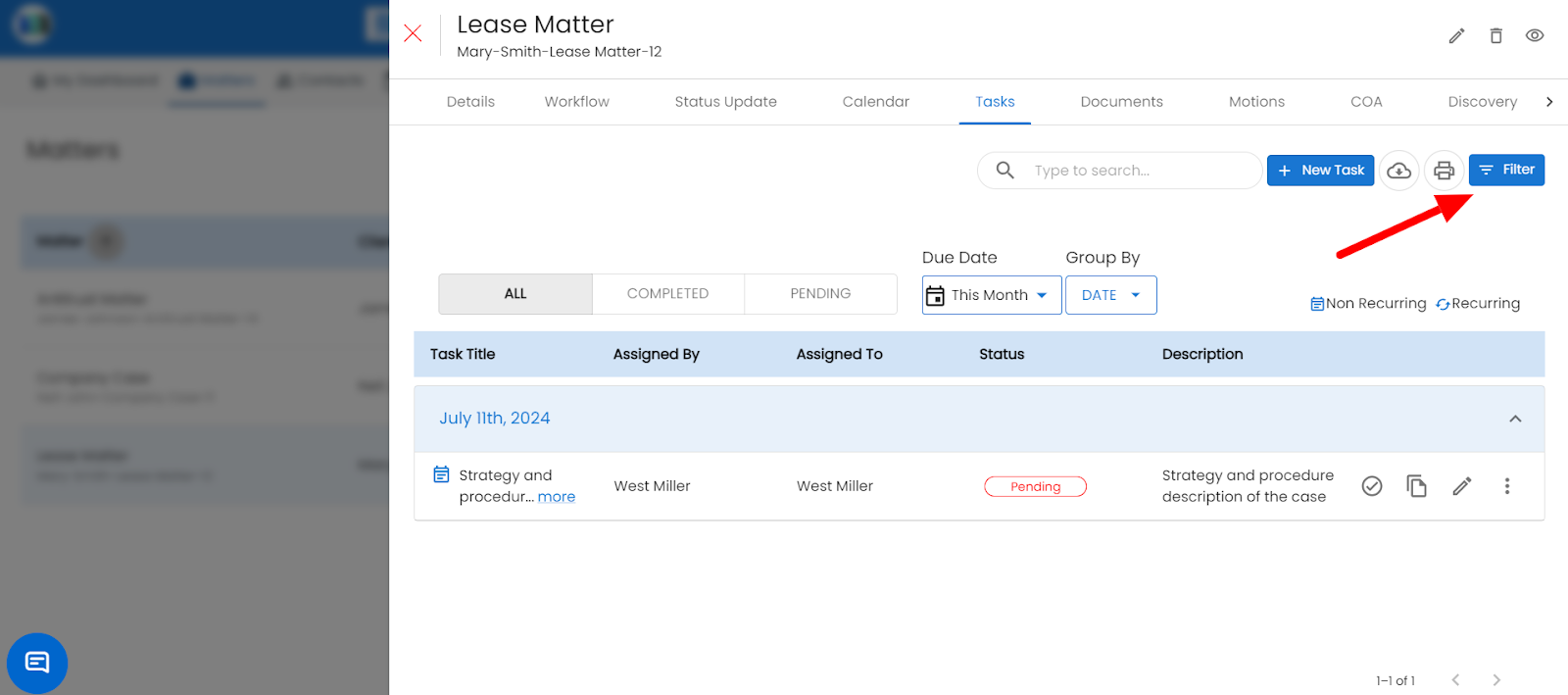
Select the options and click on the Apply button.
Related Articles
How do I link a task to a matter or client?
Open the Tasks module. Click Add Task or open an existing task for editing. In the task creation window, fill in the task details (title, description, priority, due date, etc.). Find the field labeled Link to Matter (or Linked Matter/Client). Click ...How can I search/filter a particular task under contacts?
1. Click on the Contacts tab present on the nap bar. 2- Click on the contact you want to search/filter a particular task. 3 - Under Tasks tab you can type in search bar.How do I edit a task?
Open the Tasks module. Locate the task you want to edit (use search or filters by status, priority, or assignee). Click the task title or the Edit icon next to it. Make the necessary changes (title, description, due date, priority, assignee, or ...How do I search for a specific ledger entry using the search bar?
On the Ledger page, click into the Search field. Type a date, description, invoice number, or amount. Results will filter automatically as you type.How I can search/filter for a particular calendar event in matter?
1. Click on the Matters tab present on the nap bar. 2. Select the matter in which you want to search/filter for a particular calendar event. 3. Select Calendar tab under Matter. 4. Click on a Type to search textbox and you can filter or search ...