How I can search/filter for a particular calendar event in matter?
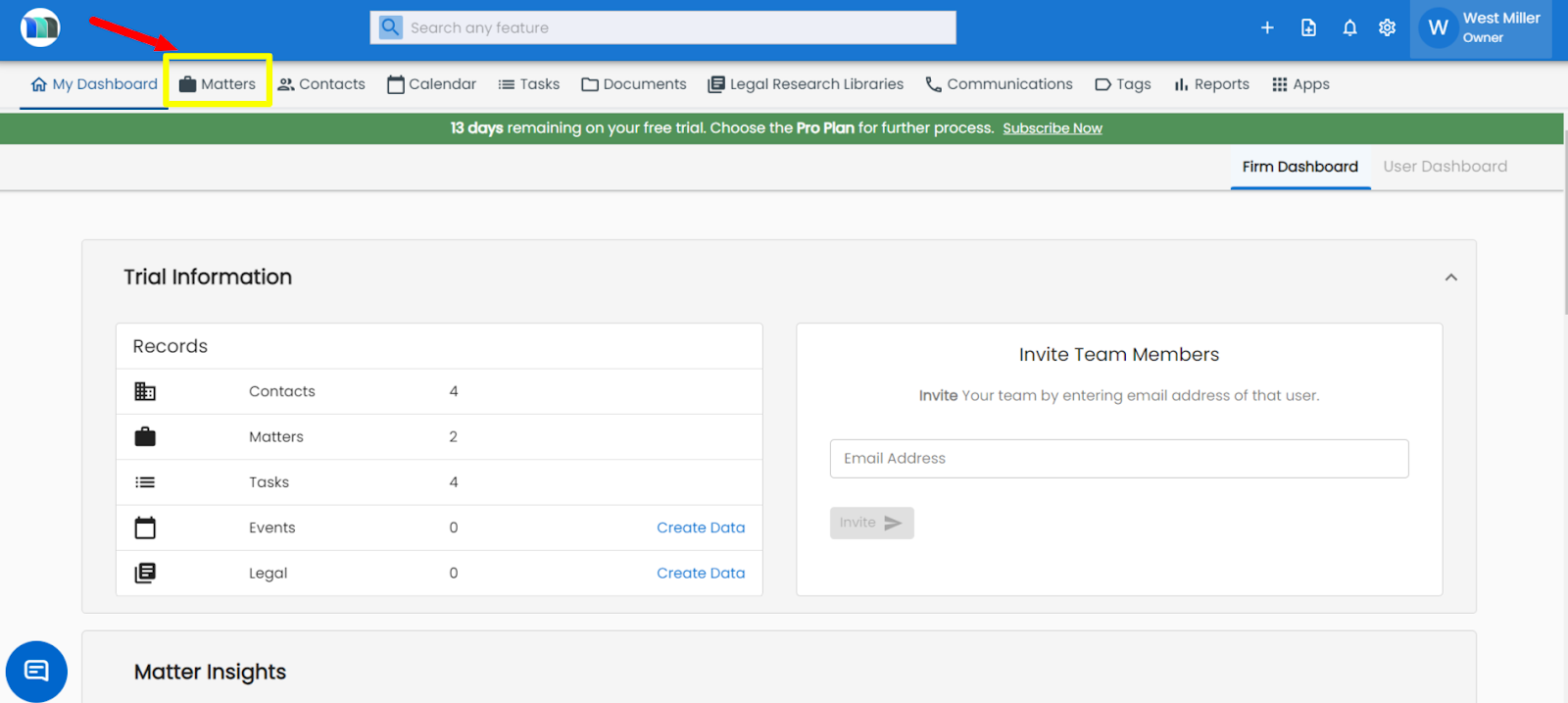
1. Click on the Matters tab present on the nap bar.
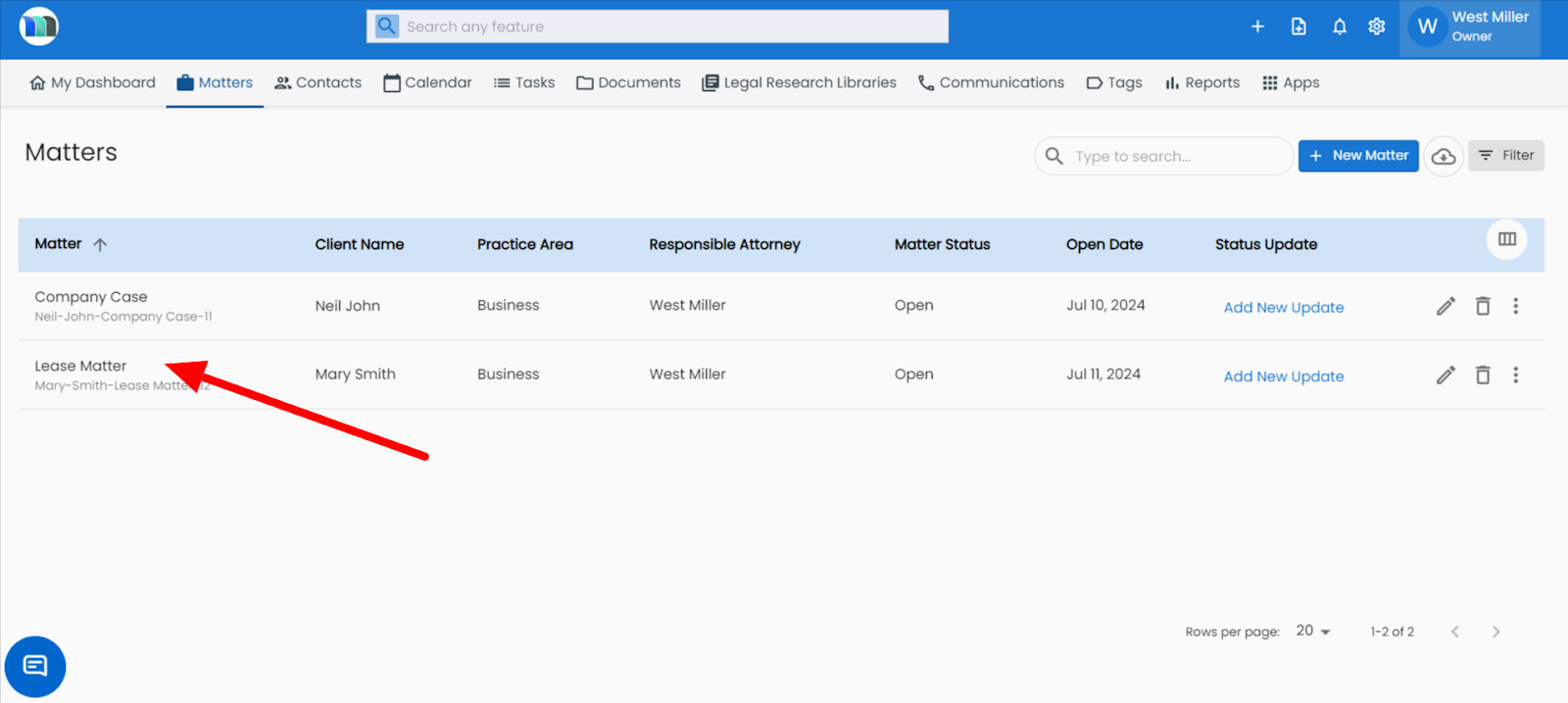
2. Select the matter in which you want to search/filter for a particular calendar event.
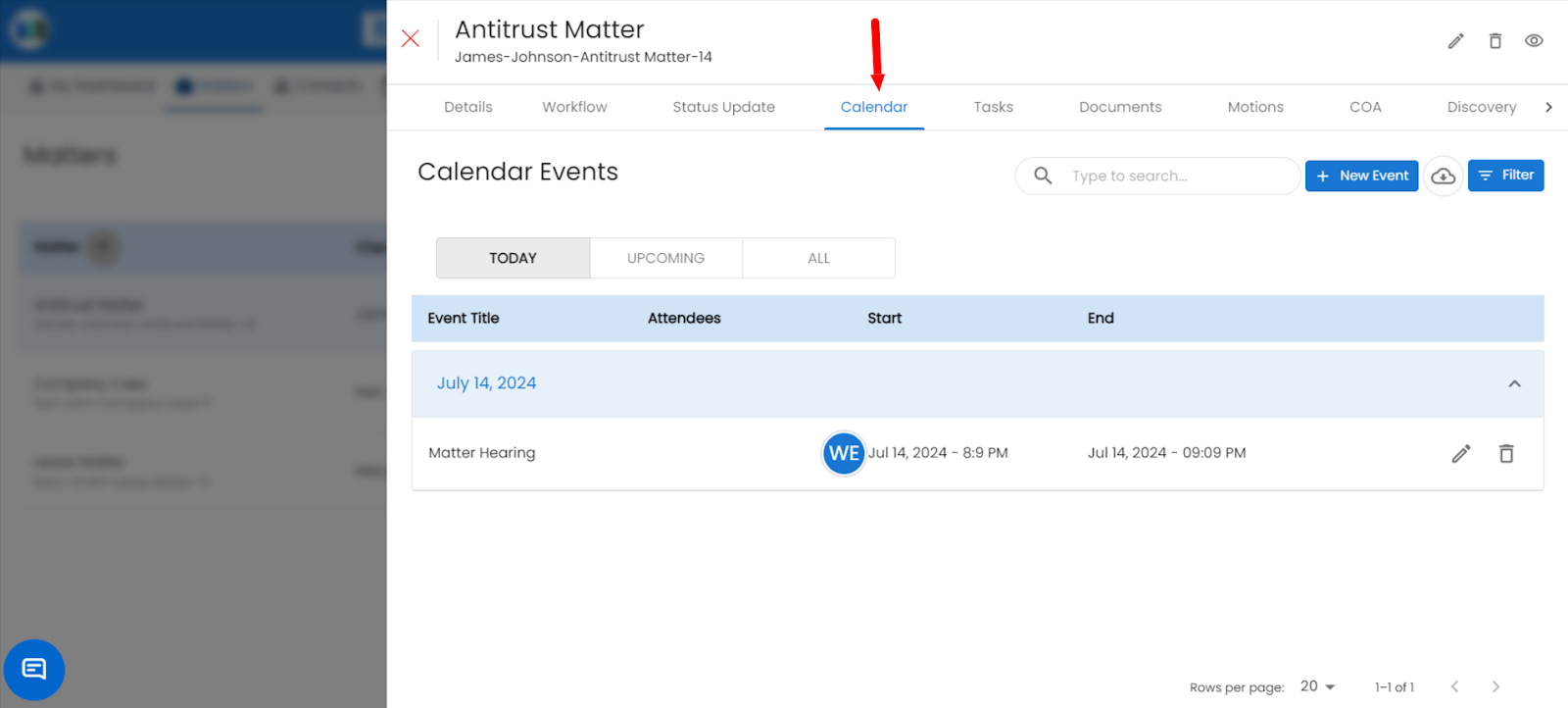
3. Select Calendar tab under Matter.
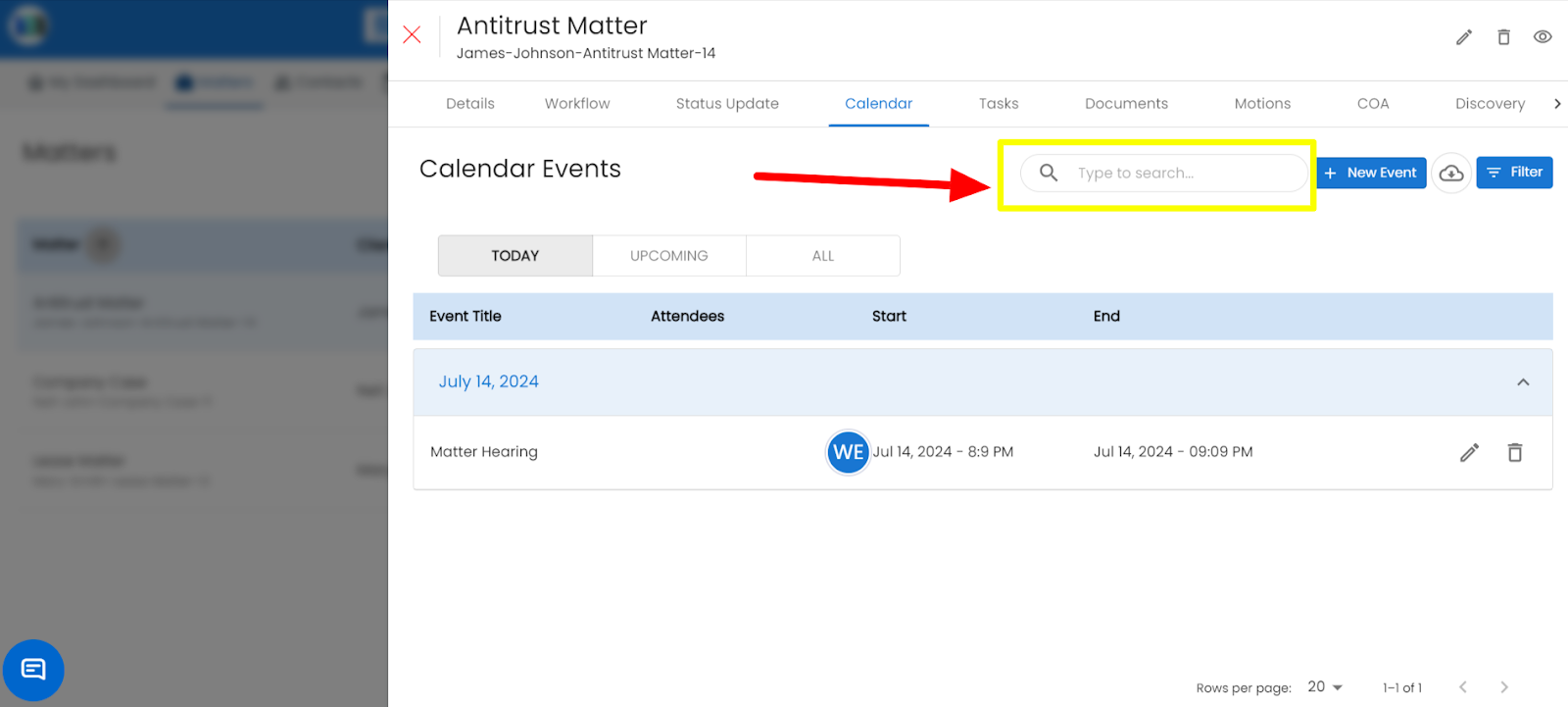
4. Click on a Type to search textbox and you can filter or search calendar events on the basis of matter & type.
Related Articles
How to link an event with Matter.
Open the Calendar. Click Add Event (or select an existing event). Enter the event title, date, and description. Click Link to Matter. Choose the relevant matter from the list. Click Save to link the event and finish.2nd: How to create an event in MatterSuite?
Click on “Add” to create a new event, or click on any date in the calendar to create one A pop-up will appear. Fill in the title & select the date Enter all the required details Save the new eventHow do I search for a specific ledger entry using the search bar?
On the Ledger page, click into the Search field. Type a date, description, invoice number, or amount. Results will filter automatically as you type.How can we search/filter for a particular document under matter?
1. Click on the Matters tab present on the nap bar. 2. Select a matter in which you want to search/filter for a particular document. 3. To search for a document click on the "Type to search" box that you want to search under the Documents tab.How can I search/filter for a particular task under Matter?
1. Click on the Matters tab present on the nap bar. 2. Click on the matter in which you want to search/filter for a particular task. 3. For searching a task: Click on a Type to search textbox for searching a task. For filtering a task: Click on a ...