How can I delete the motion?
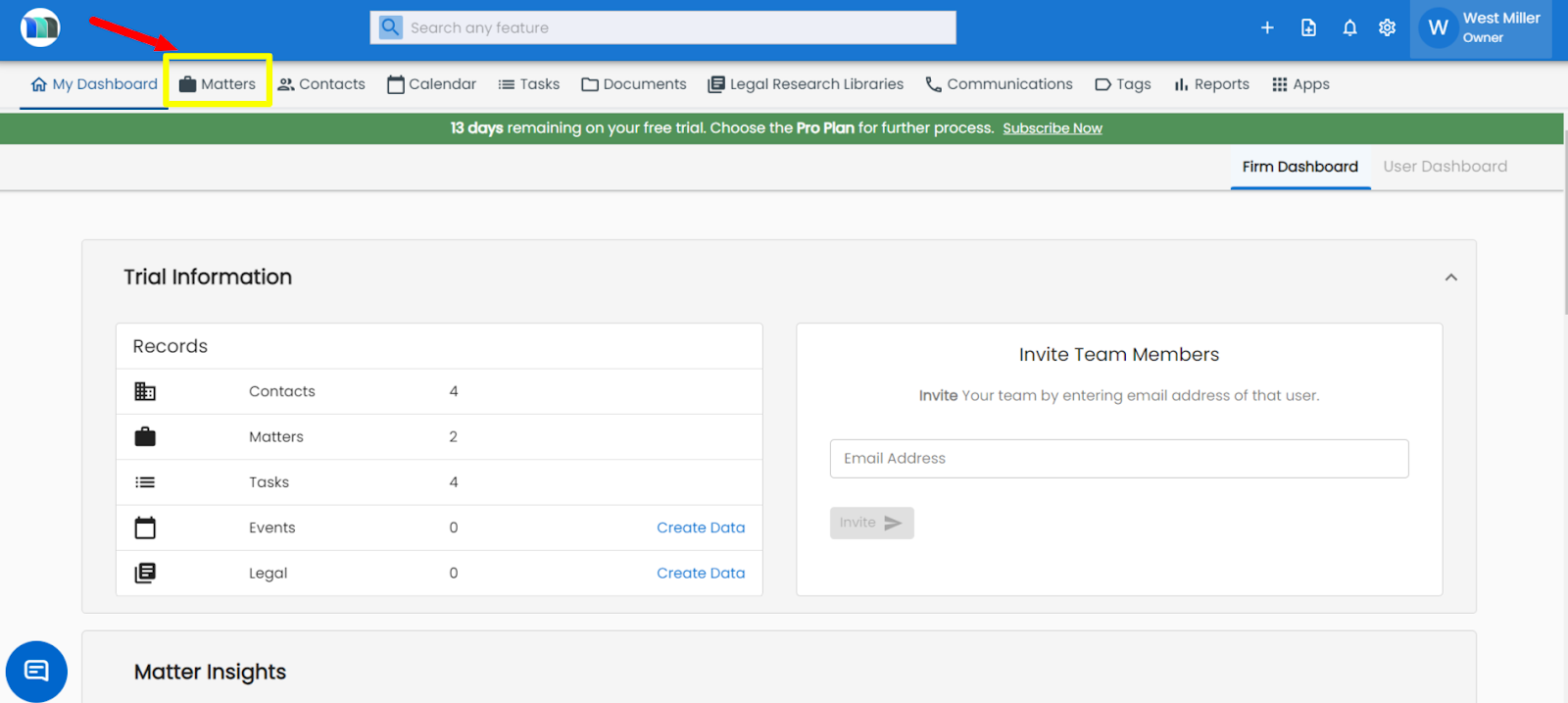
1. Click on the Matters tab present on the nap bar.
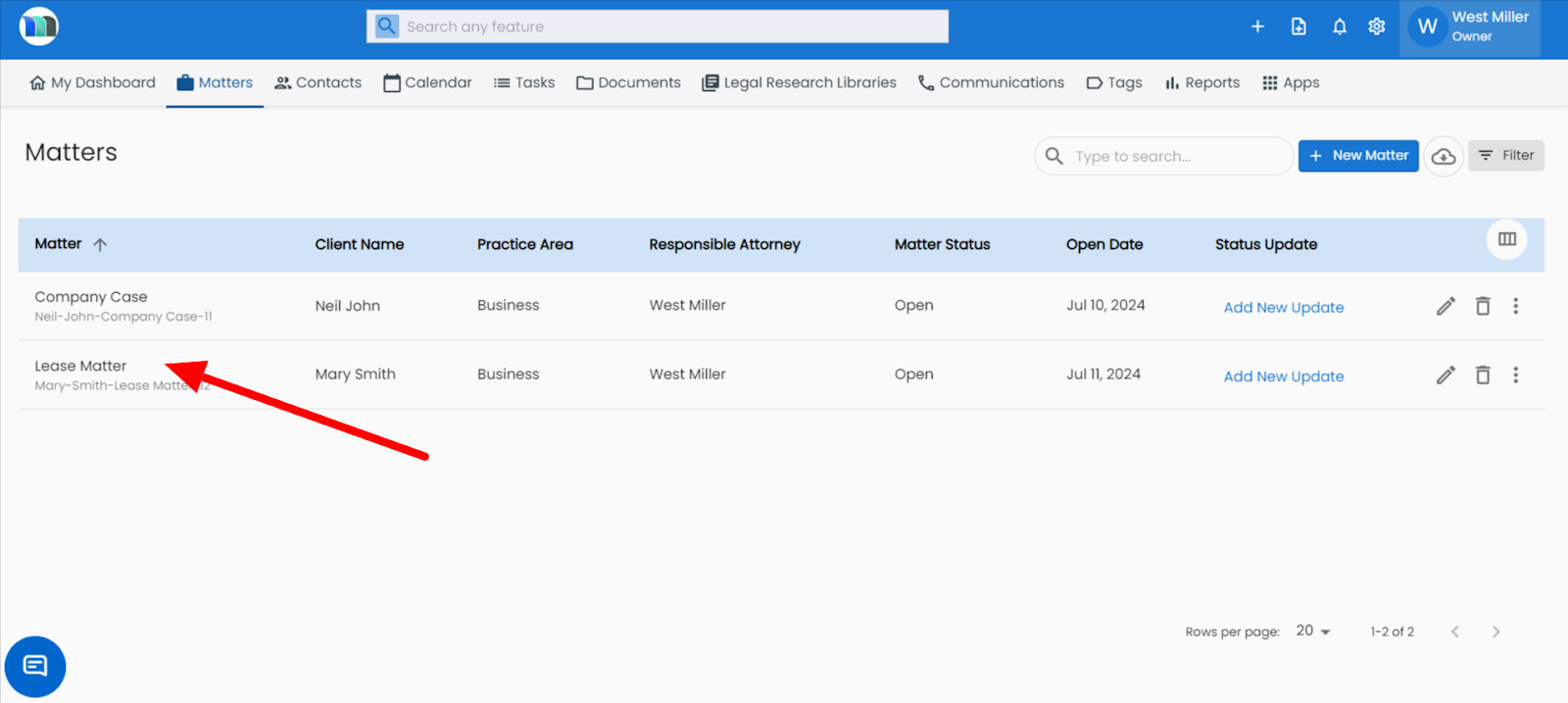
2. Click on the matter containing the motion you want to delete.
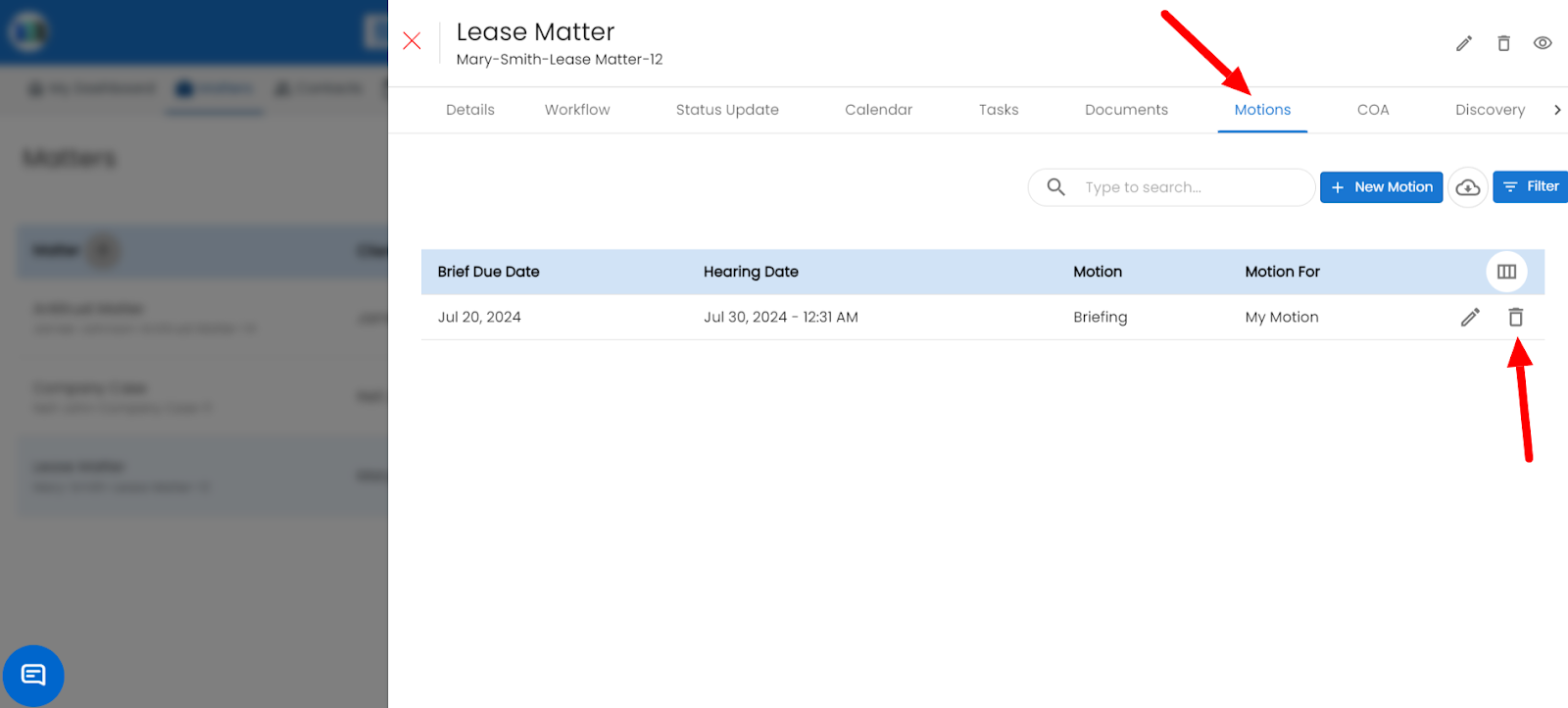
3. Click on the Motions tab and click on the delete icon present on the right side of the motion that you want to delete.
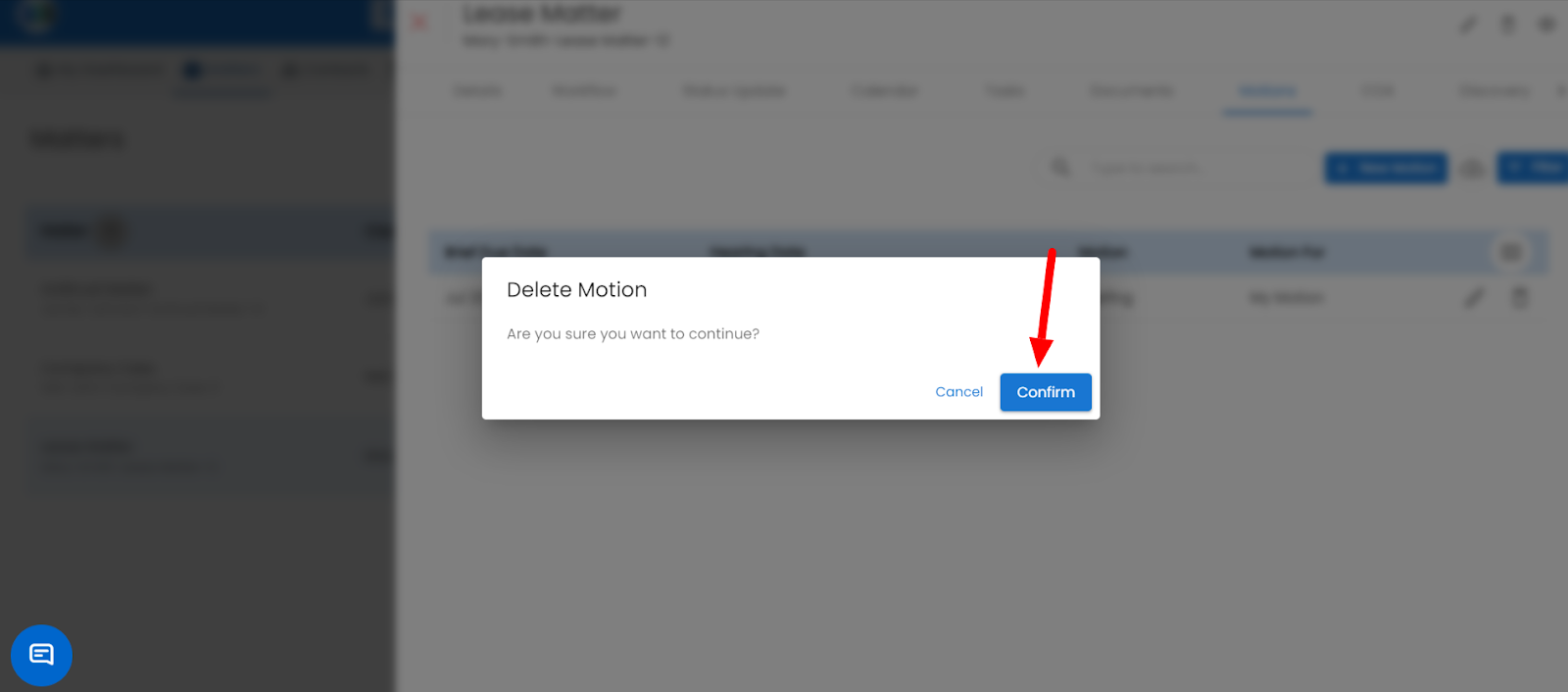
4. Click on the Confirm button to delete the particular motion.
Related Articles
How to add a new motion in the Matter?
Go to the Matters section. Select the Matter where you want to add the motion. Open the LawSuite tab and click on the Motions section. Choose your motion type, fill in the details, and click Save. Refer to the image below .How do I delete an account from the Accounts list?
Select the Accounts module in the navigation bar. Locate the account you want to delete. Click the Delete icon. Confirm deletion when prompted. Refer to the image below. Note: If the account has active transactions, it may not be deletable for ...How do I delete an income or expense record from the ledger?
In the ledger table, find the entry. Click the Delete beside it. Confirm deletion when prompted Deleted transactions move to the Deleted Ledgers tab for reference.How to add a motion in Matter?
1. Click on the Matters tab present on the nap bar. 2. Select the matter for which you want to add a legal motion. 3. Click on Motions tab, then click on the "+New Motion" button to add a motion. 4. Fill in the required details and click on the Save ...How can I edit the existing motion?
1. Click on the Matters tab present on the nap bar. 2. Click on the matter you want to edit the motion for. 3. Click on the pencil icon present on the right-hand side of the motion, under the Motions tab. 4. Update the details and click on the Save ...